Introduction
netstat (network statistics) is a command line tool for monitoring network connections both incoming and outgoing as well as viewing routing tables, interface statistics etc. netstat is available on all Unix-like Operating Systems and also available on Windows OS as well. It is very useful in terms of network troubleshooting and performance measurement. netstat is one of the most basic network service debugging tools, telling you what ports are open and whether any programs are listening on ports.
Listing all the LISTENING Ports of TCP and UDP connections
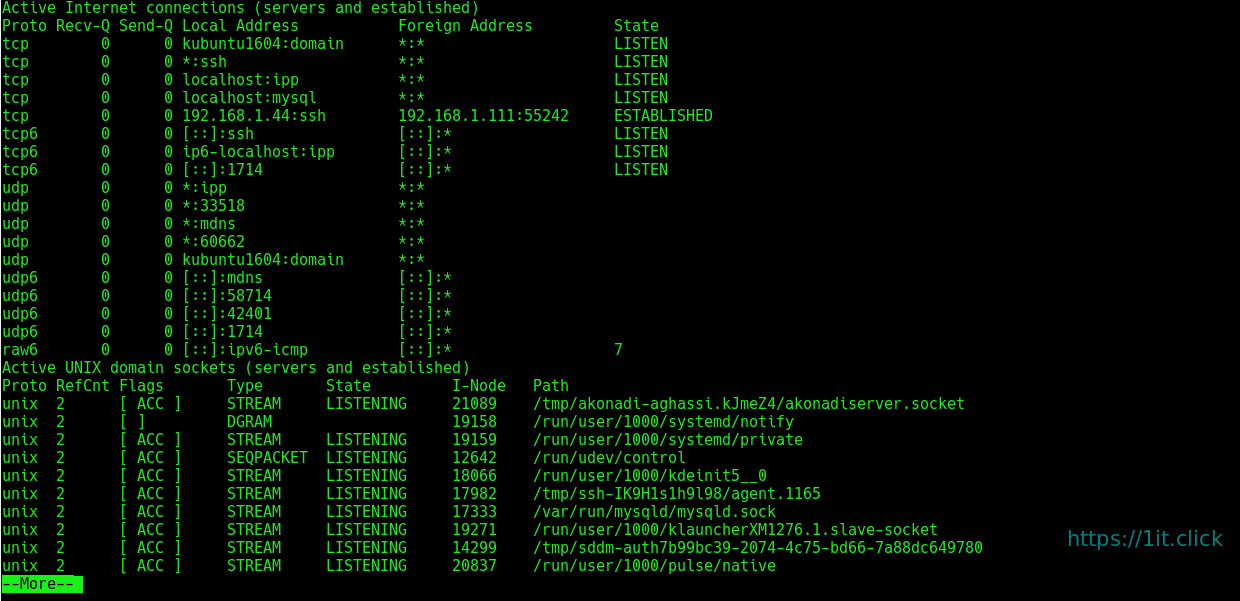
$ netstat -a | more
Listing TCP Ports connections
Listing only TCP (Transmission Control Protocol) port connections:
$ netstat -at

Listing UDP Ports connections
Listing only UDP ( User Datagram Protocol ) port connections:
$ netstat -au

Listing All LISTENING Connections
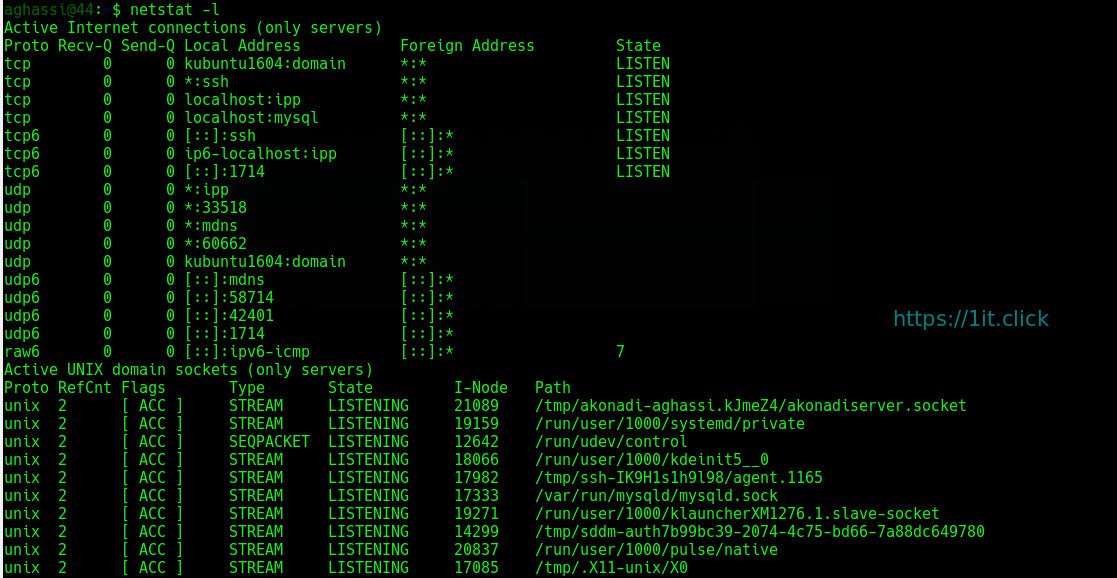
Listing all active listening ports connections:
$ netstat -l
Listing All TCP Listening Ports
Listing all active listening TCP ports:
$ netstat -lt

Listing All UDP Listening Ports
Listing all active listening UDP ports:
$ netstat -lu

Listing all UNIX Listening Ports
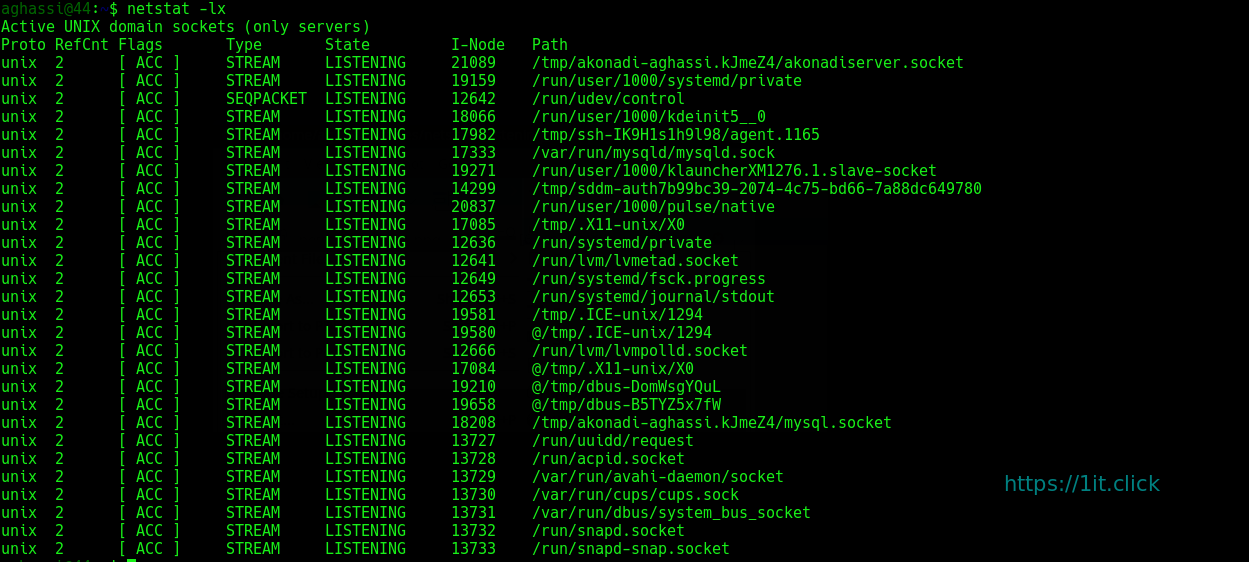
Listing all active UNIX listening ports:
$ netstat -lx
Showing Statistics by Protocol
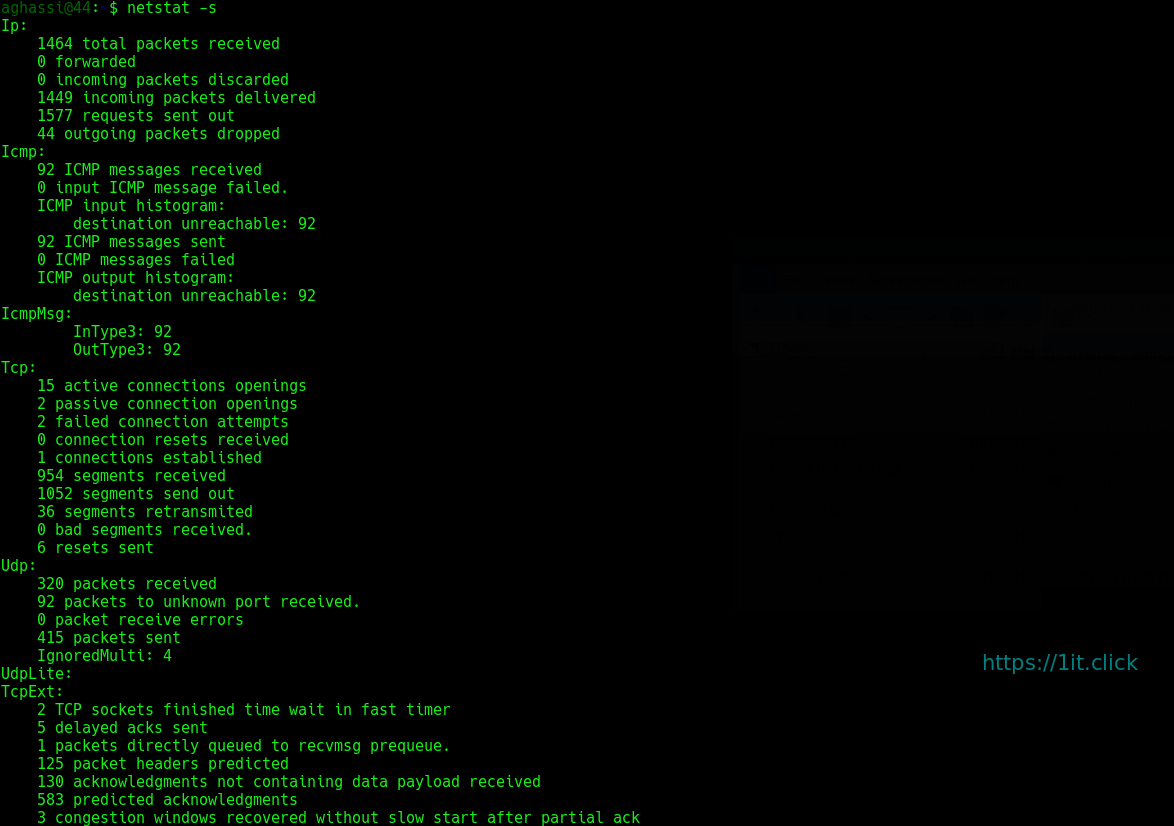
Displays statistics by protocol. By default, statistics are shown for the TCP, UDP, ICMP, and IP protocols. The -s parameter can be used to specify a set of protocols:
$ netstat -s
Showing Statistics by TCP Protocol
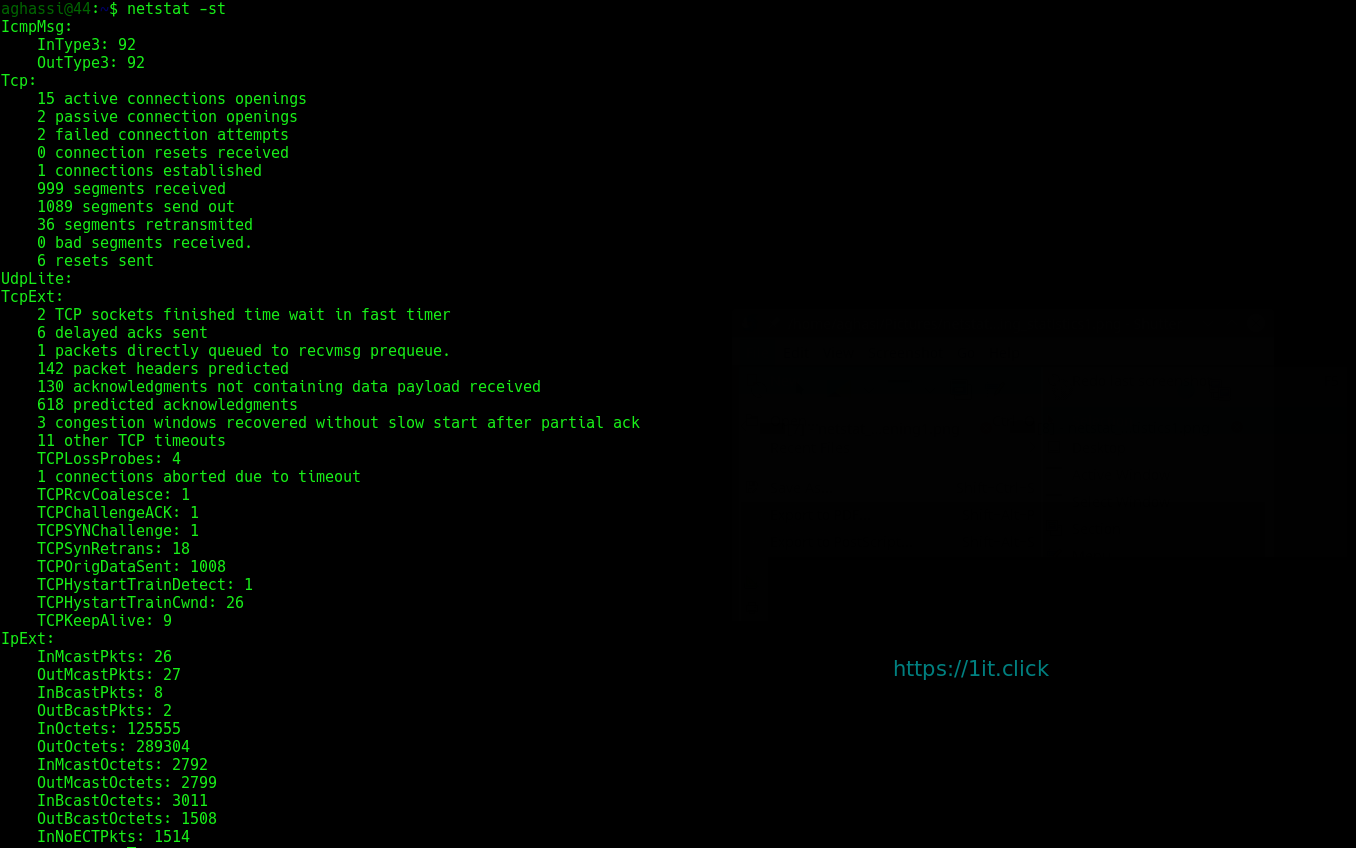
Showing statistics of only TCP protocol:
$ netstat -st
Showing Statistics by UDP Protocol
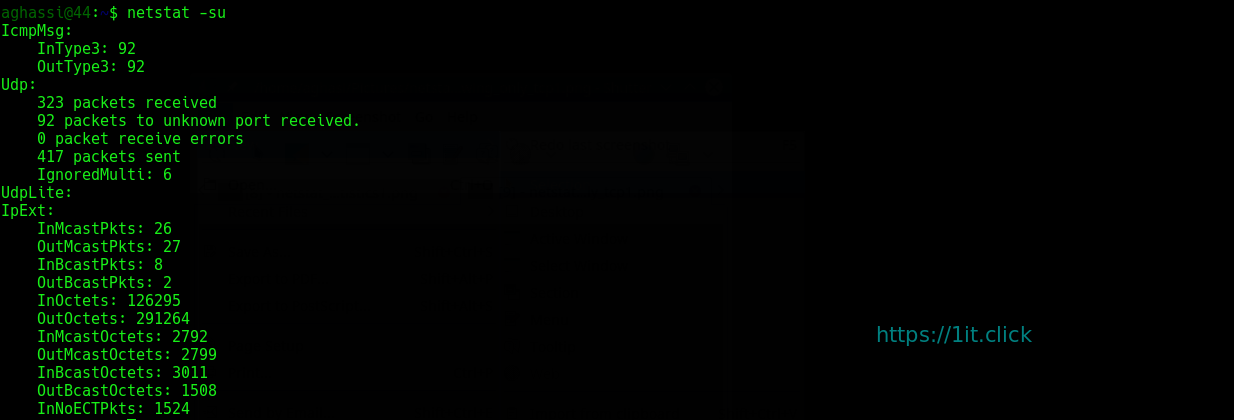
Showing statistics of only UDP protocol:
$ netstat -su
Displaying Service name with PID
Displaying service name with their “PID/Program Name”:
$ netstat -tp

Displaying Promiscuous Mode
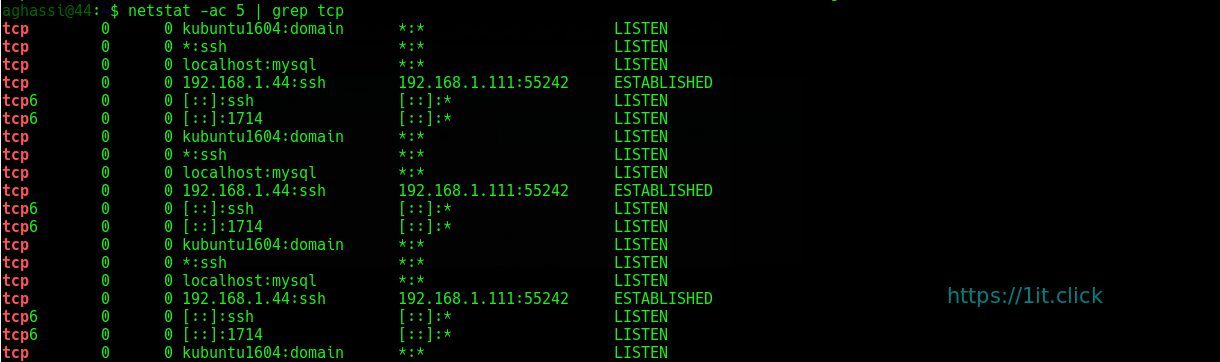
Displaying Promiscuous mode with -ac switch, netstat print the selected information or refresh screen every five second. Default screen refresh in every second.
$ netstat -ac 5 | grep tcp
Displaying Kernel IP routing
Display Kernel IP routing table with netstat and route command:
$ netstat -r

Showing Network Interface Transactions
Showing network interface packet transactions including both transferring and receiving packets with MTU size:
$ netstat -i

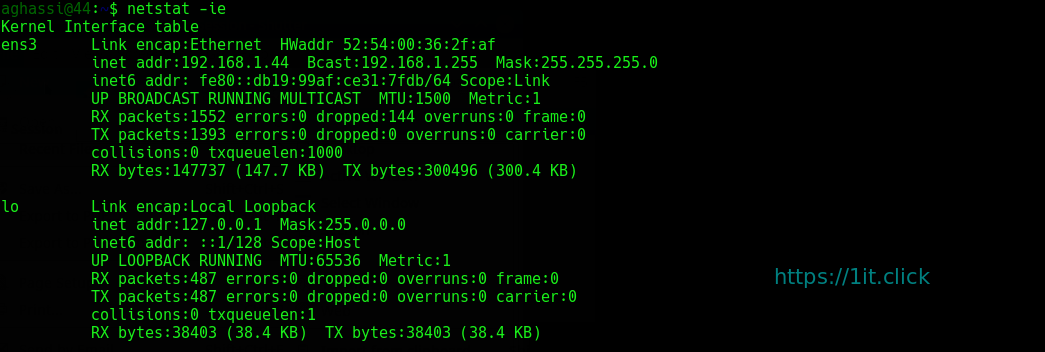
Showing Kernel Interface Table
Showing Kernel interface table, similar to ifconfig command:
$ netstat -ie
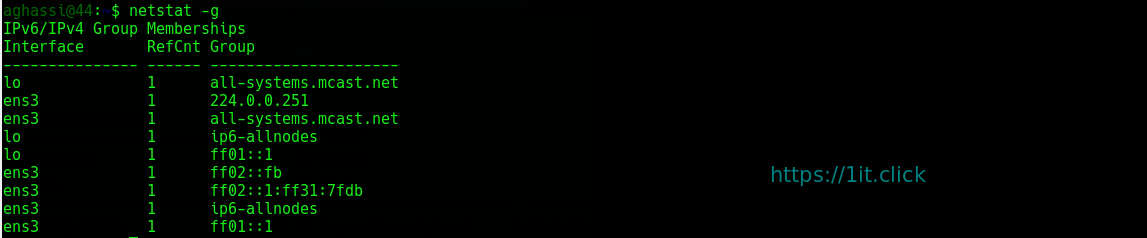
Displaying IPv4 and IPv6 Information
Displays multicast group membership information for both IPv4 and IPv6:
$ netstat -g
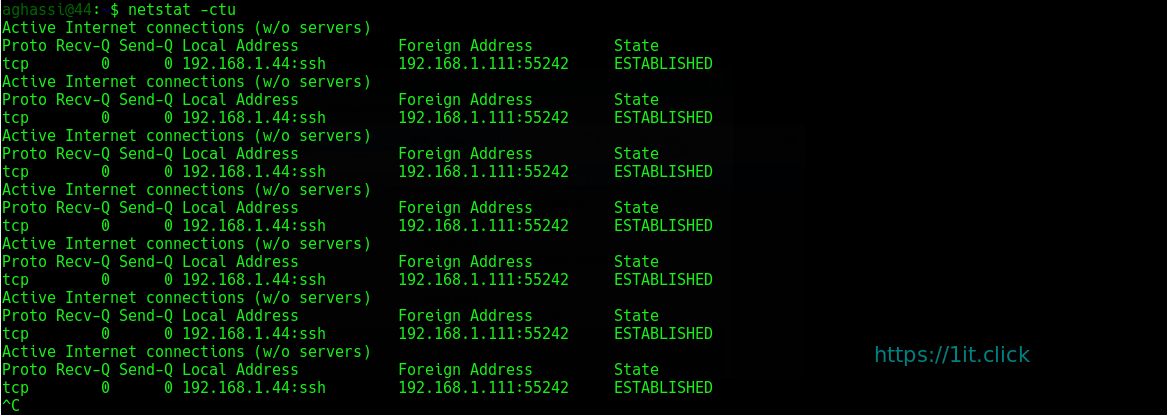
Print netstat Information Continuously
To get netstat information every few second, then use the following command, it will print netstat information continuously, say every few seconds
$ netstat -c
Finding Non Supportive Address
Finding un-configured address families with some useful information:
$ netstat --verbose

Finding Listening Programs
Find out how many listening programs running on a port:
$ sudo netstat -ap | grep ssh

Displaying RAW Network Statistics
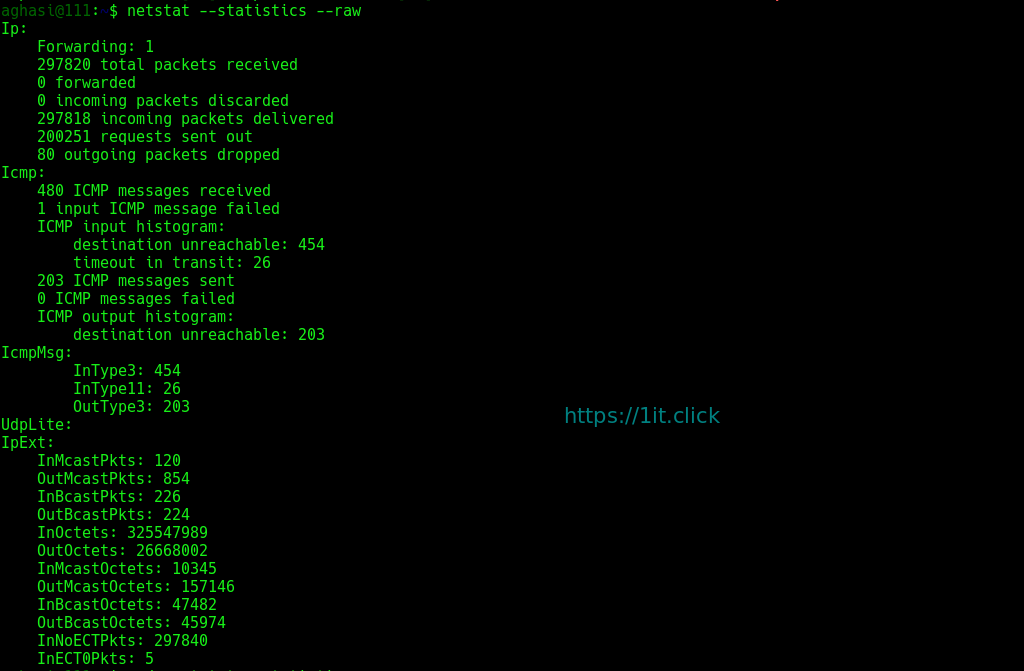
$ netstat --statistics --raw