Docker and IPtables
By default, docker daemon appends iptables rules for forwarding. For this, it uses a filter chain named DOCKER.
Chain FORWARD (policy DROP)

target prot opt source destination

DOCKER all -- 0.0.0.0/0 0.0.0.0/0 ...

Chain DOCKER (1 references)

target prot opt source destination
Moreover, when you tell docker to expose a port of a container, it exposes it to the entire world, breaking your possibly existing iptables rules.
So.. if you are running docker on a host that already have an iptables based firewall, you should probably set --iptables=false.
What are you talking about?
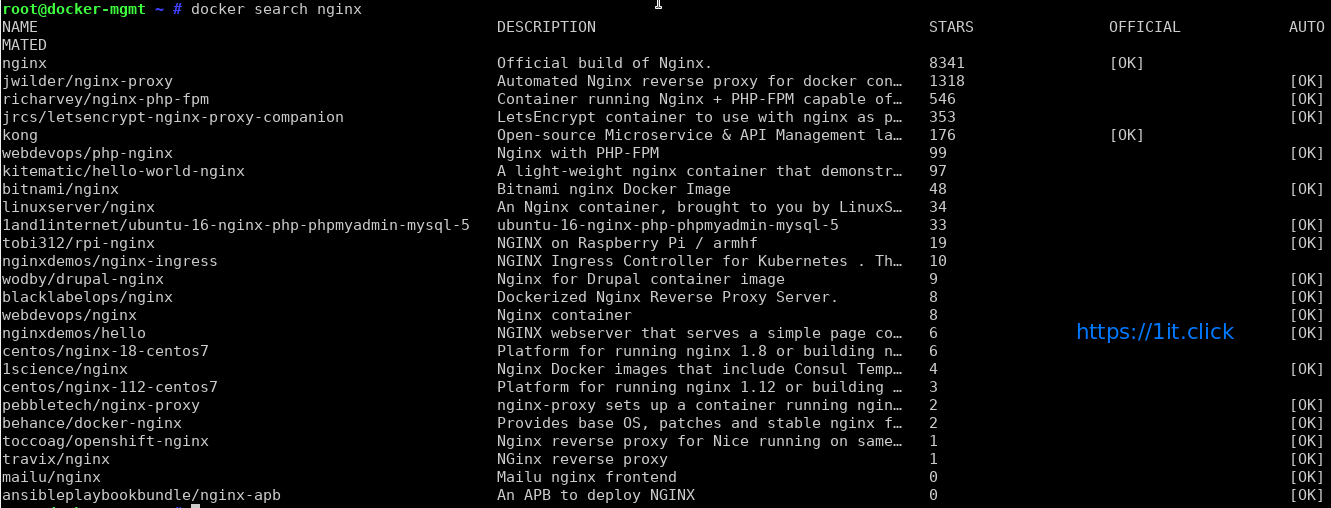
Let’s take an example. You want to start nginx and bind containerPort 80 to hostPort 9090:
docker run --name some-nginx -d -p 9090:80 nginx
What it does behind the scene is adding an iptables rule to the DOCKER filter chain:
Chain FORWARD (policy DROP)

target prot opt source destination

DOCKER all -- 0.0.0.0/0 0.0.0.0/0 ...

Chain DOCKER (1 references)

target prot opt source destination

ACCEPT tcp -- 0.0.0.0/0 172.17.0.2 tcp dpt:9090 <-- this was added when running the container
Now port 9090 is available from the entire world. Why? Because we’re listening 9090 on any IP addresses (*) and because of the forwarding rules that are dynamically added in the DOCKER filter chain. Note that docker’s forward rules permit all external source IPs by default.
You probably don’t want that.
Exposing ports locally
You might want to publish ports just locally and not to *, for internal use. Let’s read the documentation of docker run:
-p=[]      : Publish a container's port or a range of ports to the host
               format: ip:hostPort:containerPort | ip::containerPort | hostPort:containerPort | containerPort
               Both hostPort and containerPort can be specified as a range of ports.
               When specifying ranges for both, the number of container ports in the range must match the number of host ports in the range. (e.g., `-p 1234-1236:1234-1236/tcp`)
               (use 'docker port' to see the actual mapping)
As you can see, you can bind the hostPort to an IP.
docker run --name some-nginx -d -p 127.0.0.1:9090:80 nginx
# BEFORE

netstat -an | grep 9090 tcp6 0 0 :::9090 :::* LISTEN

# AFTER

netstat -an | grep 9090 tcp 0 0 127.0.0.1:9090 0.0.0.0:* LISTEN
Better.
Docker, stop messing with my iptables rules!
Let’s say you are using docker on a server available on the Internet. You already have an iptables based firewall configured. Personally, I’m using uif which is a very powerful perl script in debian. Have a look at a
## Debian GNU Linux Firewall Package

## This file has been automatically generated by debconf. It will be overwritten

## the next time you configure firewall without choosing "don't touch".
## Sysconfig definitions
# These entries define the global behaviour of the firewall package. Normally
# they are preset in /etc/default/uif and may be overwritten by this
# section.
#
# syntax: LogLevel : set the kernel loglevel for iptables rules
# LogPrefix: prepend this string to all iptables logs
# LogLimit: set packet log limit per time interval (times/interval)
# LogBurst: set packet log burst
# Limit: set packet limit per time interval (times/interval)
# Burst: set packet burst
# example:
# sysconfig {
# LogLevel debug
# LogPrefix FW
# LogLimit 20/minute
# LogBurst 5
# Limit 20/minute
# Burst 5
# AccountPrefix ACC_
# }
## Include predefined services
# The include section takes a bunch of files and includes them into this
# configuration file.
#
# syntax: “filename”
#include {
# “/etc/uif/services”
#}
## Services needed for workstation setup
# The service section provides the protocol definitions you’re
# using in the rules. You’re forced to declare everything you
# need for your setup.
#
# syntax: service_name [tcp([source:range]/[dest:range])] [udp([source:range]/[dest:range])]
# [protocol_name([source:range][/][dest:range])] [service_name] …
# examples: http tcp(/80)
# dns tcp(/53) udp(/53)
# group http dns tcp(/443)
# ipsec esp(/) udp(/500)
service {
traceroute udp(32769:65535/33434:33523) icmp(11)
ping icmp(8)
}
## Network definitions needed for simple workstation setup
# In the network section you’re asked to provide informations on all
# hosts and/or networks running in your setup.
#
# syntax: net_name [ip-address[:mac-address]] [network] [net_name]
# examples: webserver 192.168.1.5
# intranet 10.1.0.0/16
# dmz 10.5.0.0/255.255.0.0
# some intranet dmz 10.2.1.1
# router 10.1.0.1=0A:32:F2:C7:1A:31
network {
localhost 127.0.0.1
all 0.0.0.0/0
trusted4 192.168.1.0/24
trusted6 fd00:1:2:3::/64
}
## Interface definitions
# Since all definitions used in the filter section are symbolic,
# you’ve to specify symbolic names for all your interfaces you’re
# going to use.
#
# syntax: interface_name [unix network interface] [interface_name]
# examples: internal eth0
# external ippp0 ipsec0
# allppp ppp+
# group external allppp eth3
interface {
loop lo
}
## Filter definitions
# The filter section defines the rules for in, out, forward, masquerading
# and nat. All rules make use of the symbolic names defined above. This
# section can be used multiple times in one config file. This makes more
# senese when using one of these alias names:
# filter, nat, input, output, forward, masquerade
#
# syntax: in[-/+] [i=interface] [s=source_net] [d=dest_net] [p=protocol] [f=flag_1,..,flag_n]
# out[-/+] [o=interface] [s=source_net] [d=dest_net] [p=protocol] [f=flag_1,..,flag_n]
# fw[>/-/+] [i/o=interface][s=source_net] [d=dest_net] [p=protocol] [f=flag_1,..,flag_n]
# masq[-/+][i/o=interface][s=source_net] [d=dest_net] [p=protocol] [f=flag_1,..,flag_n]
# nat[-/+] additionally allows [S=from source] [D=to destination] [P=to port:[range]]
# additional:
# All keys mentioned in the syntax section (in/out/…) can be prefixed with “sl”, which
# causes the creation of a stateless rule.
# flags: limit([count/time[,burst]])
# reject([reject type])
# log([name])
# account(name)
# examples:
# masq+ o=extern s=intranet
# nat+ s=intranet p=http D=relayintern P=squid
# in+ s=trusted p=ssh,ping,traceroute,http
# out- s=intranet p=smb f=reject
# fw- d=microsoft f=reject,log(ms-alert)
# slin+ s=testnet
# slout- d=testnet
# fw> o=extern
# fw+ p=myhttp f=account(HTTP)
# Take an attention about the protocol for your accounting rules. If you
# want to count user http traffice, you may need a “myhttp tcp(80/)”.
filter {
in+ i=loop s=localhost
out+ o=loop d=localhost
# allow incoming pings for IPv4
in+ s=all(4) p=ping
# these IPv6-ICMP types are a MUST for IPv6
in+ s=all(6) p=ping,pong,noroute,packet-too-big,time-exceeded,parameter-problem,neighbor-advertisement,neighbor-solicitation
in+ p=traceroute
in+ s=trusted4(4)
in+ s=trusted6(6)
out+ d=all
in- f=log(input),reject
out- f=log(output),reject
fw- f=log(forward),reject
}
To tell docker to never make changes to your system iptables rules, you have to set --iptables=false when the daemon starts.
For sysvinit and upstart based systems, you can edit /etc/default/docker. For systemd, you can do that:
mkdir /etc/systemd/system/docker.service.d

cat << EOF > /etc/systemd/system/docker.service.d/noiptables.conf

[Service]

ExecStart=

ExecStart=/usr/bin/docker daemon -H fd:// --iptables=false

EOF

systemctl daemon-reload
Now reload your firewall and restart docker daemon. You can see that the chain named DOCKER and the references to it in chain FORWARD (policy DROP) disappeared.
Configure iptables to work with docker
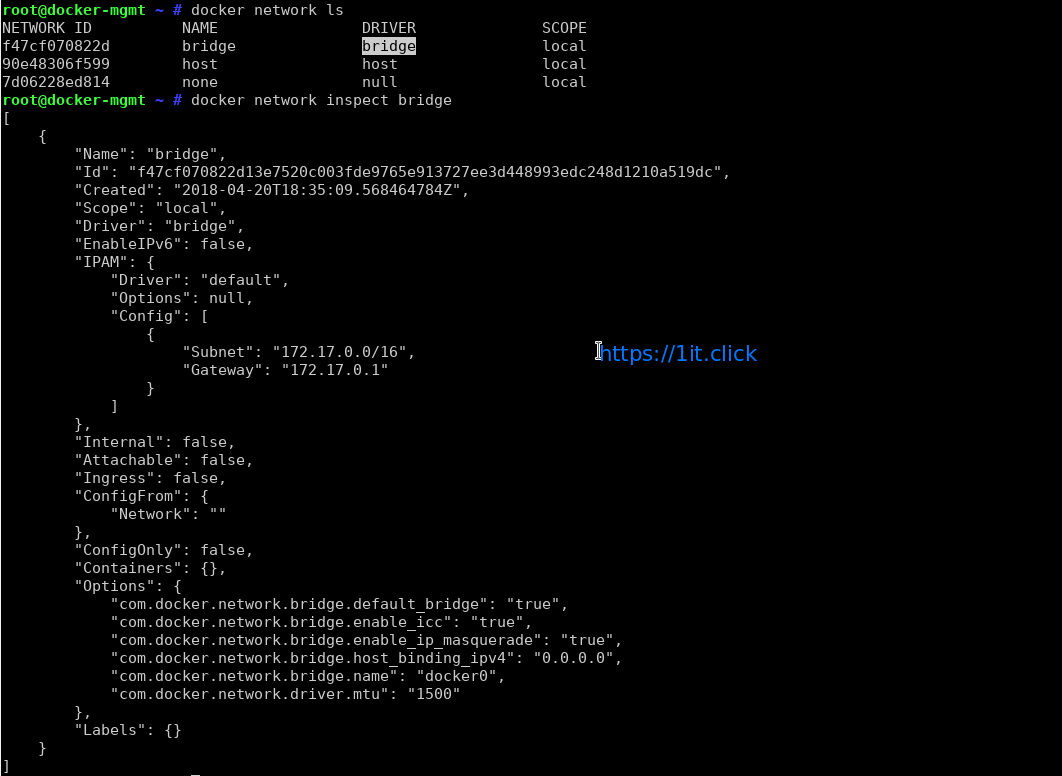
If you’re still using the Ethernet bridge created by docker and named docker0, you can set the following rules for forwarding:
# just an example. It implies that your host Ethernet NIC is eth0
-A FORWARD -i docker0 -o eth0 -j ACCEPT
-A FORWARD -i eth0 -o docker0 -j ACCEPT
Now if you want to expose TCP port 10000 of a running container to the world, this container must expose port to any IP (*) on host side:
docker run --name some-nginx -d -p 10000:80 nginx

netstat -an | grep 10000
tcp6       0      0 :::10000                :::*                    LISTEN
Then you can add this firewall rule to allow the world to access your container through the forwarding rules:
-A INPUT -p tcp -m tcp --dport 10000 -s 0.0.0.0/0 -j ACCEPT