Swarm Service
Service is the definition of the tasks to execute on the worker nodes. It is the central structure of the swarm system and the primary root of user interaction with the swarm. When you create a service, you specify which container image to use and which commands to execute inside running containers.
Running Services in the Docker Swarm
We have swarm cluster up and we are ready to deploy the services. In this demo we will deploy service name “webserver” which will be using “nginx” docker images.
# docker service create -p 8080:80 --name webserver nginx

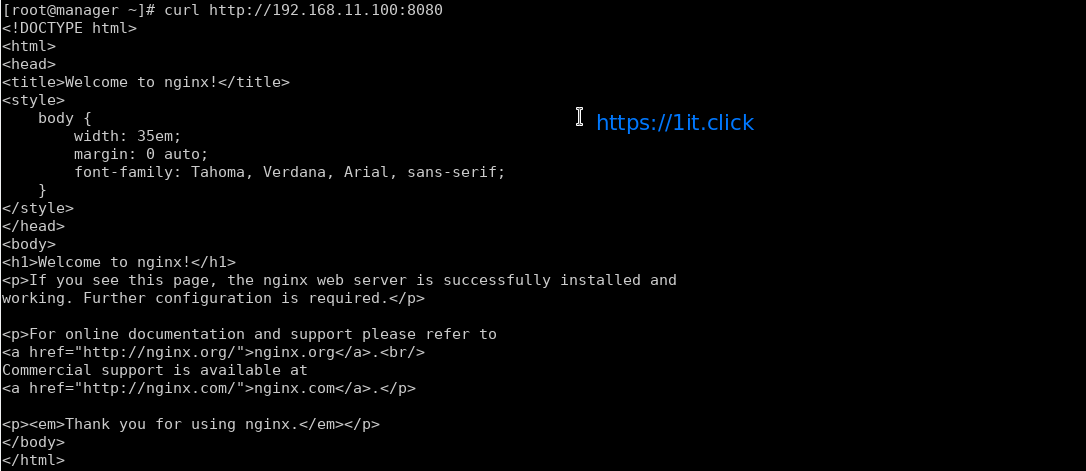
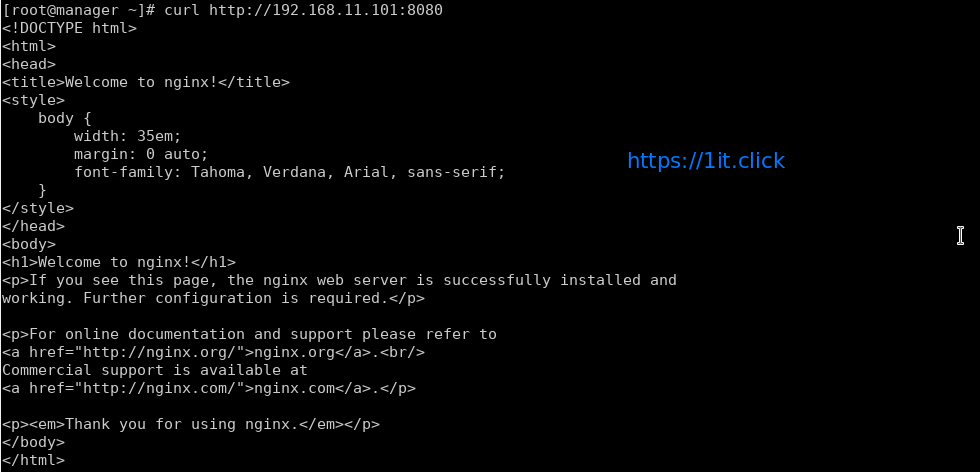
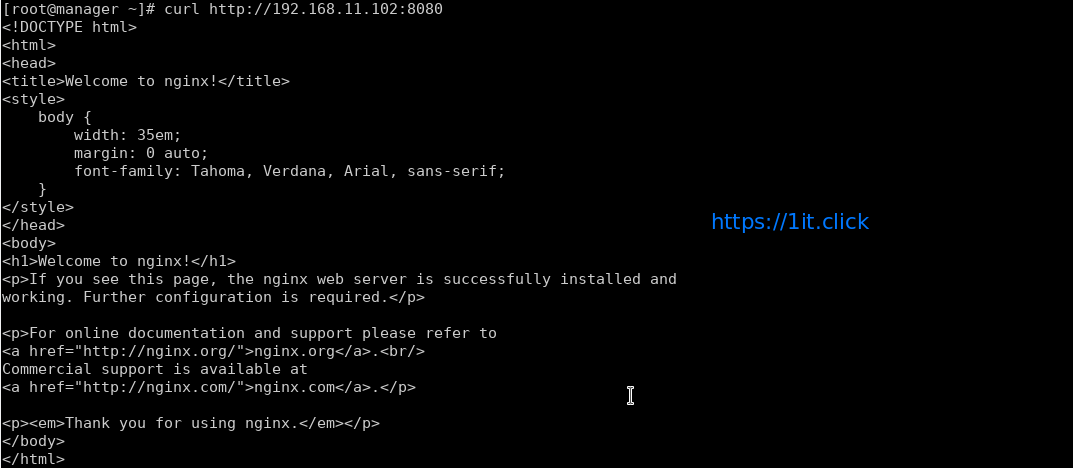
In the above example, we’re mapping port 80 in the Nginx container to port 8080 on the cluster so that we can access the default nginx page from anywhere.

Swarm Service modes
Swarm service support 2 modes – Replicated and Global (Replicated mode is default)
Replicated mode – you can pass number of replica of the service and swarm maintain that count.
# docker service create --name replicated_service --replicas 3 nginx

Global mode – To start a global service on each available node, pass –mode global to docker service create. Every time a new node becomes available, the scheduler places a task for the global service on the new node.
# docker service create --name global_service --mode global nginx
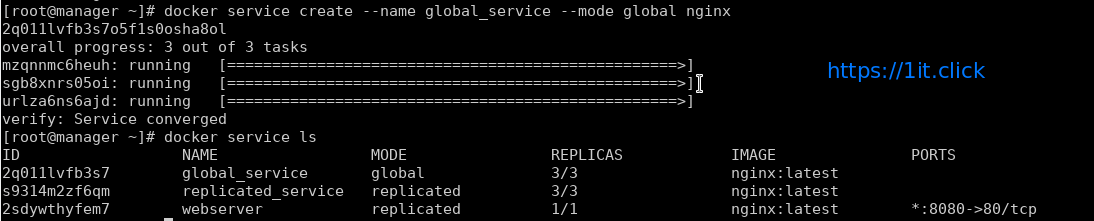
To view services on a cluster
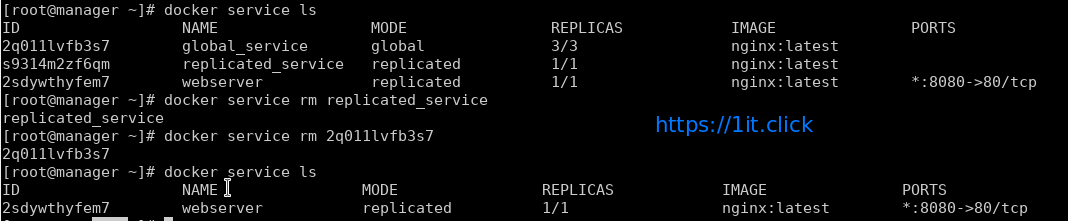
# docker service ls
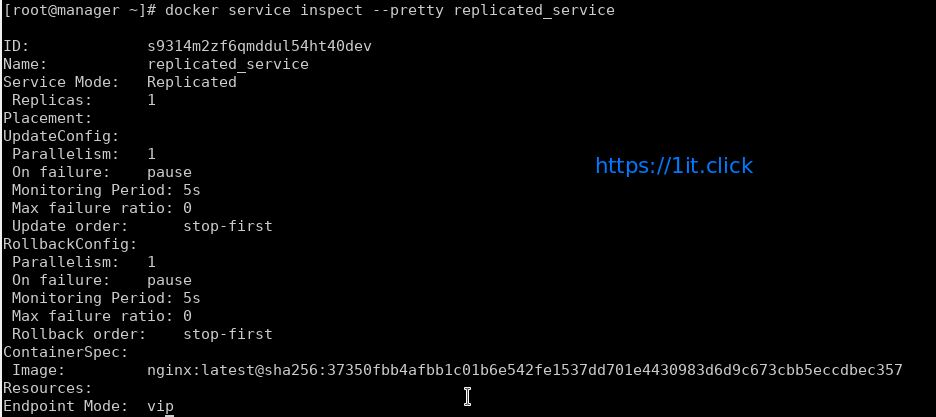
# docker service inspect --pretty <ServiceNAME|ServiceID>
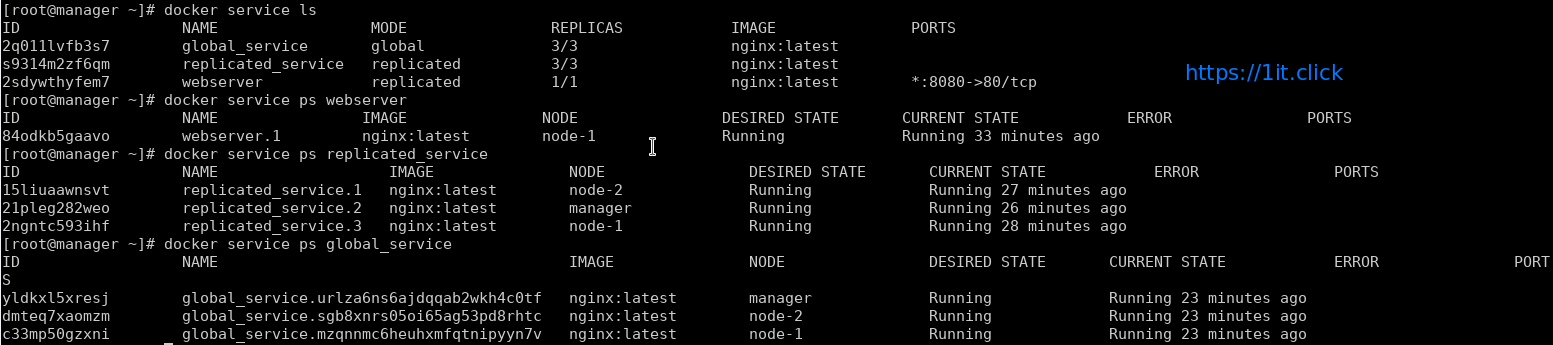
To determine which nodes the services is running on by using docker service ps followed by service name
# docker service ps <ServiceNAME|ServiceID>
Docker by default use mesh networking, a service running on a node can be accessed on any other node of the cluster.
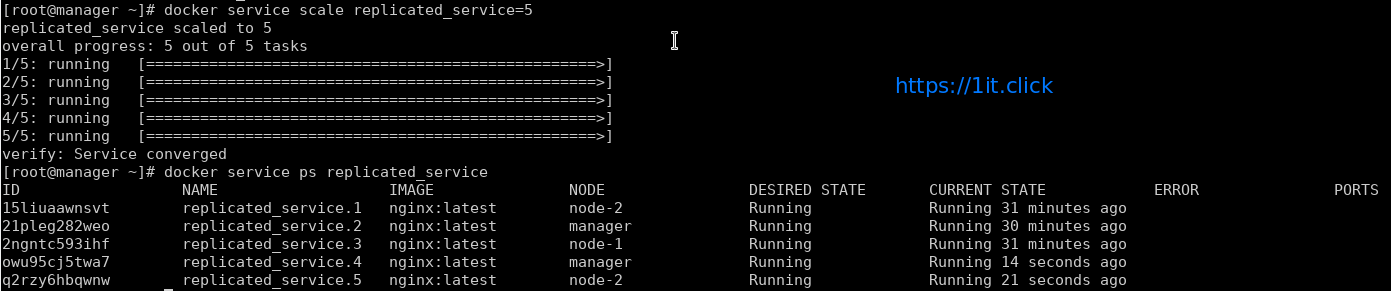
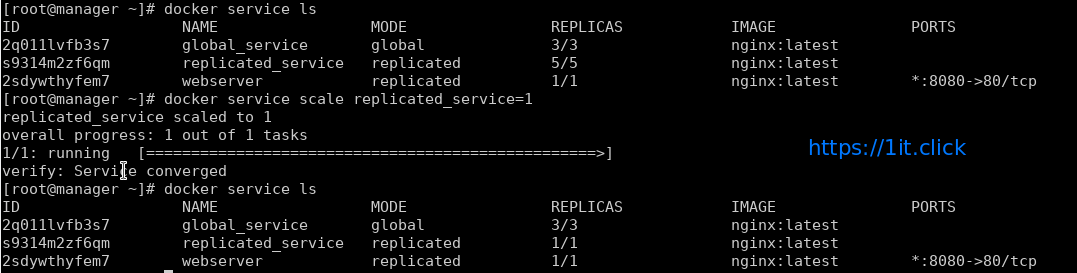
Scale Up/Down the Service
# docker service scale <ServiceNAME>=<#ofReplicas>
Remove a Service
# docker service rm <ServiceNAME|ServiceID>